PDF Data Extraction Automation for Accountants: 5 Tools That Save Hours
You just spent three hours retyping numbers from a bank statement PDF. That manual work is exactly what pushes accountants to look for extraction tools, and most of them promise more than they deliver. Accuracy, security, and audit trails are what actually matter when client financial data is on the line.
This article breaks down what to demand from PDF data extraction software, then reviews five tools that handle the job, including Tasks.Bot, which runs its workflow through WhatsApp. By the end, you will know how to match a tool to your firm's size and client data rules, and which option earns the top spot.
What to Look For in PDF Data Extraction Tools for Accountants
Accountants evaluating PDF data extraction tools must prioritize three non-negotiable criteria: extraction accuracy of at least 99% on structured financial documents, bank-grade security with encryption at rest and in transit, and audit-ready output that includes a complete trail of every data transformation from source PDF to final ledger entry.
Everything else, including interface polish, integration lists, and pricing tiers, is secondary to those three pillars. A tool that looks impressive in a demo but misses fields on a scanned bank statement will cost far more in cleanup time than it saves.
Before comparing vendors, build a test set drawn from your own client work. Pull 100 real invoices and bank statements that reflect the firm's actual mix of layouts, vendors, and scan qualities.
- Include clean digital PDFs, phone photos, and low-resolution scans
- Mix single-page invoices with multi-page statements
- Add documents with tables, stamps, handwriting, and unusual fonts
- Cover both accounts payable and accounts receivable documents
Run each tool against that same set and measure results field by field. Vendor benchmarks rarely survive contact with real client documents, so your own sample is the only honest scorecard.
Poor extraction has a compounding cost. A single misread invoice total can trigger ledger reconciliation errors that take longer to trace than the original manual entry would have. Multiply that across a month of bookkeeping and the hours lost become the real price of a cheap tool.
Accuracy, Bank-Grade Security, and Audit-Ready Output
Achieving 99%+ accuracy requires a combination of OCR, machine learning, and template recognition, but accountants should test tools on their own documents because vendor benchmarks rarely reflect real-world variance in invoice layouts and scan quality.
Break accuracy down by field type when you score results. Header fields such as invoice number, date, and total should clear 98% field-level accuracy, since these drive ledger entries directly. Line items, which vary far more in formatting, should still exceed 95%.
If a tool cannot publish per-field scores, treat that as a warning sign. Intelligent document processing platforms that rely on machine learning typically expose confidence levels, while simpler template-matching tools often return a single pass or fail flag.
Security is the second pillar. Bank-grade means encryption at rest with AES-256 and encryption in transit with TLS 1.3, plus recognized certification such as SOC 2 Type II, ISO 27001, or demonstrable GDPR compliance.
Ask how access is controlled. Role-based permissions should let a firm limit who can view, edit, or export client financial documents, and cloud-based tools should document where data is stored and for how long.
Audit-ready output is the third pillar, and it matters most during tax preparation and compliance reviews. Every extracted field should carry a traceable record:
- Source page and document name
- Timestamp of extraction and any manual edits
- User ID for whoever touched the data
- Confidence score assigned by the extraction engine
- Field mapping showing where the value landed in the ledger
Export options matter here too. CSV and Excel exports should preserve those field mappings so a reviewer can follow any number from the final spreadsheet back to the original PDF.
One final check: version history. Avoid tools that overwrite original extracted values without keeping the prior version. When a reviewer asks why a figure changed, an immutable log is the only acceptable answer, and it is what separates a genuine accounting workflow tool from a generic converter.
1. Tasks.Bot - Best Overall
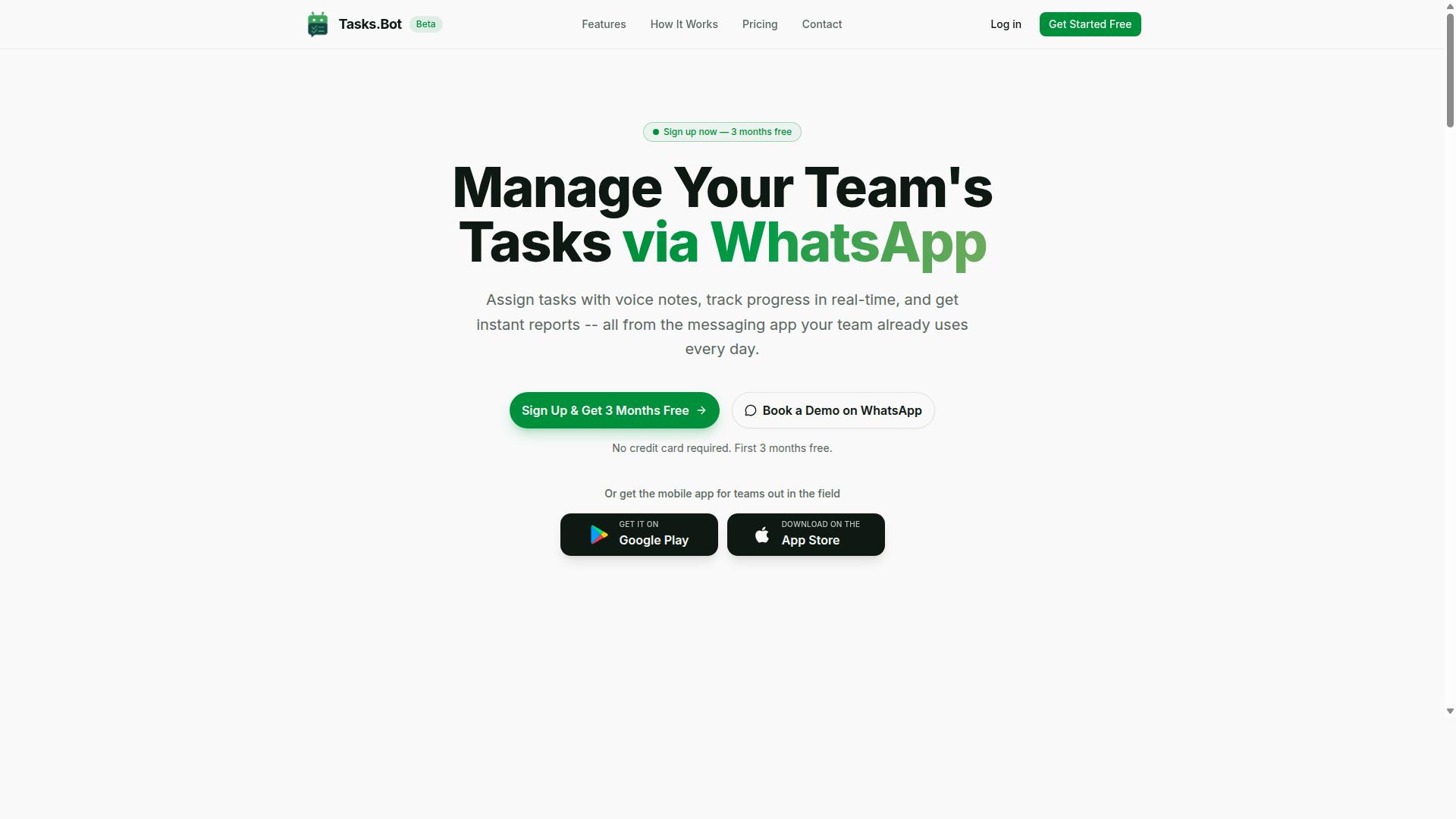
Tasks.Bot earns the top spot for accountants who need to extract data from PDFs without leaving WhatsApp, combining AI-powered document processing with task assignment, approvals, and reporting in a single chat-based interface.
Most PDF data extraction tools for accountants live in a browser tab or a desktop window. Tasks.Bot takes a different route. It is a task management platform that runs inside WhatsApp, so the same app your team already uses for messages becomes the place where work gets assigned, tracked, and reported on.
That matters for accounting teams with field staff. Employees who collect receipts, invoices, and bank statements on the go can send documents straight from their phone. No separate portal login, no file transfer step, no chasing people for uploads.
The platform uses AI to understand natural language and voice notes, which means a manager can describe a task in plain speech instead of filling out a form. Beyond document work, Tasks.Bot includes face-verified attendance, shifts, leave and hours management, and payroll-ready hours, features that fit firms billing client time or managing on-site staff.
Tasks.Bot is currently in beta, and hundreds of teams already use it. A mobile app for Android and iOS is also available for field teams, with push notifications, voice capture, and a home screen widget. For practices weighing cloud-based tools against desktop software, this is a chat-first option worth understanding before comparing the rest of the field.
PDF Extraction Workflow Inside WhatsApp: Voice Notes, Approvals, and Instant Reports
With Tasks.Bot, an accountant can forward a PDF invoice to a WhatsApp chat, and the AI extracts key fields like vendor name, invoice number, amount, and due date, then automatically creates a task for approval or payment.
The workflow follows a short, repeatable path:
- Forward the PDF to the Tasks.Bot WhatsApp number. This works for invoices, bank statements, and similar financial documents.
- The AI parses the document and pulls out line items, totals, and dates, reducing manual data entry at the source.
- A task is auto-assigned to the right team member, with a smart deadline reminder attached.
- Approval happens in chat. A simple WhatsApp reply is enough to move the item forward.
- Instant reports summarize the extracted data alongside task status, so nothing sits in limbo.
Voice notes add a practical layer. If a receipt needs context, or an extracted figure needs correcting, a team member can record a quick spoken note rather than typing an explanation. The AI interprets that intent and acts on it.
For accounts payable and accounts receivable cycles, the effect is fewer handoffs and faster turnaround. Invoice processing that once meant rekeying numbers into a spreadsheet becomes a forward, a review, and a reply. A mobile app supports field staff who are not at a desk, keeping receipt scanning and document submission inside the same flow.
Pricing, Free Trial, and Global Availability
Tasks.Bot offers a straightforward 'Full Access' plan with all features included, priced at ₹200 per member per month or ₹1,200 per year per member, with availability in both Indian Rupees and US Dollars.
There is no tiered feature ladder to decode. One plan covers task management, voice note creation, automatic assignment, smart deadline reminders, approvals and automations, instant reports, tasks on a map, live day tracker, attendance, and shifts, leave and hours management.
The annual option works out to a 50% saving, roughly ₹1,200 per year per member compared with paying monthly. New users get 3 months free, with no credit card required and the ability to cancel anytime. A refund policy is listed in the site footer.
The service is global. Tasks.Bot is accessible worldwide through WhatsApp and mobile apps, with no country restrictions, which suits firms with distributed teams or offshore bookkeeping support. Pricing is shown with a 'Select currency' option for Indian Rupee and US Dollar, so verify the currency at checkout.
Accountants comparing tools should also weigh implementation effort. Tasks.Bot requires no new system for staff to learn, since the interface is WhatsApp itself. The website includes a 'Book a Demo on WhatsApp' option for teams that want to see the extraction and approval flow before committing. Because the service is in beta, features may evolve over time, so confirm current capabilities during evaluation.
2. Reminderly.ai
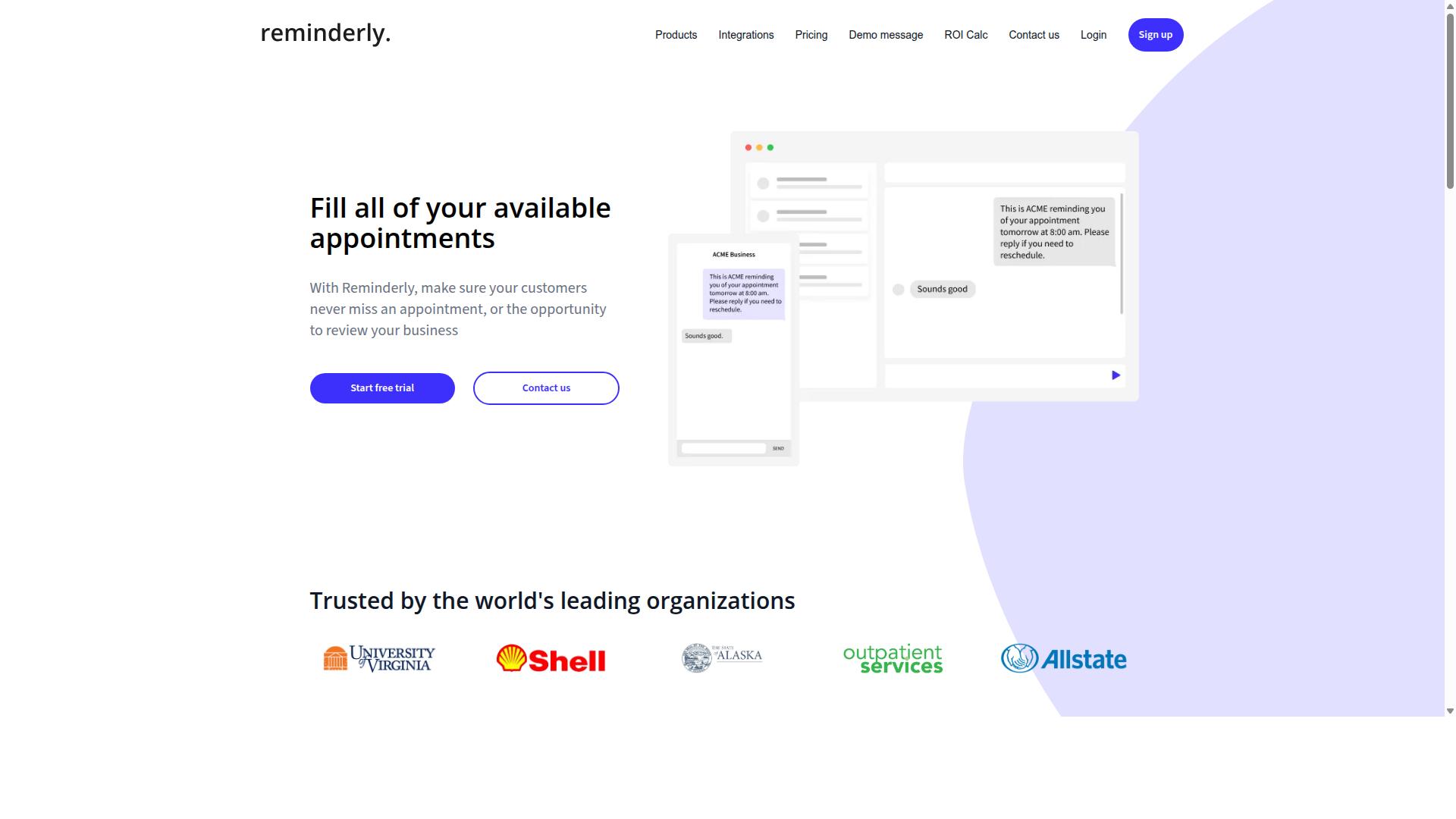
Reminderly.ai is a general-purpose reminder and task automation tool that can be adapted for basic PDF data extraction tasks, though it lacks specialized accounting features like ledger reconciliation or audit trails. It is built around scheduling and follow-up rather than document-heavy financial work.
For accountants, the practical appeal is narrow but real. Some firms use reminder-focused tools to schedule follow-ups on invoice due dates or to nudge clients who still owe documents for month-end close or tax preparation. When a PDF arrives, a lightweight tool may pull text from it and trigger a task or notification.
That is a different job from processing a stack of bank statements or vendor invoices. Reminderly.ai may support basic OCR to extract text from PDFs, but it is not positioned as an intelligent document processing platform. Treat any extraction it performs as a starting point, not a finished result.
Where specialized tools pull ahead is in the work that happens after text is captured. Reminderly.ai does not appear to offer advanced validation, batch processing, or integration with accounting software such as QuickBooks or Xero. Those gaps matter when volume rises or when accuracy has to be defensible.
Consider what is missing relative to a dedicated extraction workflow:
- Data validation rules that flag mismatched totals or missing fields
- Batch processing for large volumes of invoices, receipts, or bank statements
- Direct export or API integration with bookkeeping and accounts payable systems
- Audit trails that document who changed what and when
- Template recognition or machine learning tuned to recurring document layouts
None of these are failures on the tool's part. Reminderly.ai simply serves a different purpose. Using it for reminders and light automation is reasonable. Expecting it to replace a document extraction system is not.
Capabilities in this category change quickly, so verify current features on the vendor's site before committing. Product pages, documentation, and release notes are the only reliable source for what a tool does today.
Testing with your own documents is the most useful step. Upload a sample invoice, a bank statement, and a scanned receipt, then check what comes back and how much cleanup remains. If the output needs heavy correction, the time savings disappear, and a more specialized tool is likely the better fit for your accounting workflows.
3. TaskRio
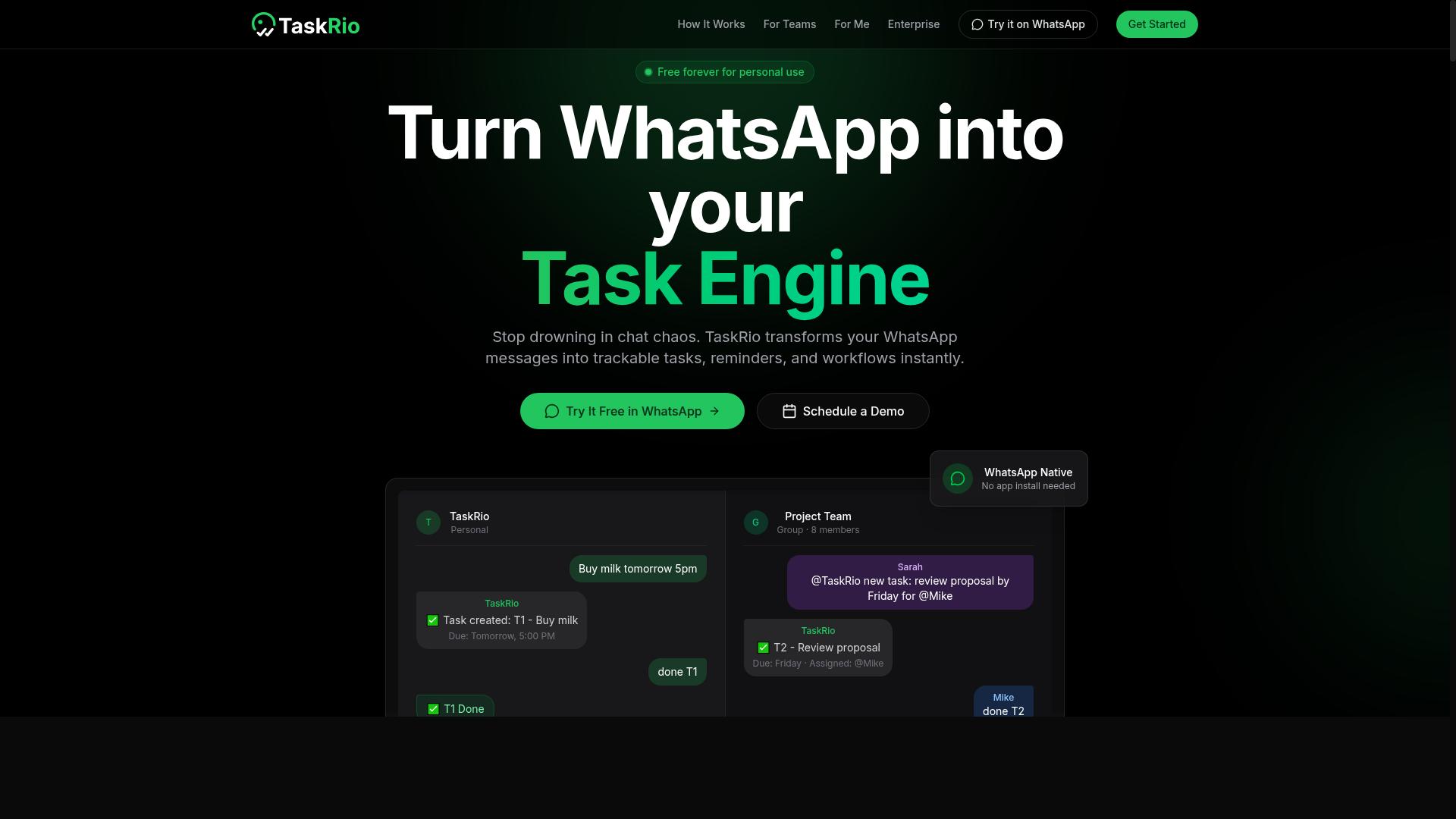
TaskRio is a task management platform that may offer document attachment and basic extraction features, but it is not designed specifically for accounting workflows like invoice processing or bank statement reconciliation. Its core strength lies in organizing work, assigning responsibilities, and tracking progress, not in reading the contents of a financial document.
For accountants, that distinction matters. A tool built around task boards and project timelines treats a PDF as an attachment to store and share, not as a source of structured data to pull into a ledger. If automated PDF data extraction is the goal, TaskRio is better understood as one piece of a larger process rather than the engine itself.
Where TaskRio can still fit into an accounting team's stack is in the review and approval stage. Once documents are extracted by a dedicated tool, someone still has to check them, flag exceptions, and confirm sign-off. Task management software handles that coordination well.
- Document review tasks: assign a PDF to a team member for manual verification
- Approval workflows: route extracted invoices through a reviewer before posting
- Deadline tracking: keep month-end close and tax preparation milestones visible
- Status visibility: see which financial documents are pending, in review, or complete
The limitation is that none of these steps capture data automatically. A reviewer still opens the file, reads the fields, and types values into accounting software by hand. That is manual data entry with extra steps, and it carries the same error risk as any copy-and-paste process.
To get true automation alongside TaskRio, accountants would typically pair it with a separate OCR or intelligent document processing tool. That tool would handle template recognition, data mapping, and export to platforms like QuickBooks, Xero, or Sage, while TaskRio manages who reviews what and when.
Integration options and pricing for TaskRio vary by plan and deployment, so readers should check the vendor's website for current details. The same applies to any claims about extraction accuracy or data security, which are best confirmed directly with the provider rather than assumed.
In short, TaskRio can support the human side of document handling. It is not a substitute for dedicated PDF data extraction software when the priority is reducing manual entry across high volumes of financial documents.
4. Karo.bot
Karo.bot is a chat-based automation tool that may support PDF extraction through integrations, but its primary focus is on task and workflow automation rather than accounting-specific document processing.
Where dedicated extraction platforms are built around financial documents, Karo.bot is built around bots that handle tasks and reminders. Users configure these bots to trigger actions, send notifications, or pass information between connected services. Document handling can sometimes be folded into that setup, but it is not the core purpose of the tool.
For accountants, the practical question is whether PDF data extraction can be achieved through third-party APIs wired into a bot workflow. In theory, a bot could receive a file, send it to an external OCR or AI extraction service, and return structured output. In practice, that path depends entirely on the integrations available and the effort required to connect them.
What Karo.bot does not appear to offer natively is accounting functionality. There is no built-in support for audit trails, compliance controls, or validation rules tailored to bookkeeping. Those features matter when extracted data feeds into ledger reconciliation, accounts payable, or tax preparation, where traceability is often a requirement rather than a nice-to-have.
Readers evaluating Karo.bot should weigh a few factors before committing:
- Technical resources available to configure and maintain API connections
- Whether existing integrations cover the document types you handle, such as invoices, bank statements, or receipts
- How extracted data would be validated before it reaches accounting software like QuickBooks, Xero, or Sage
- Whether the absence of native audit trails creates a compliance gap for your practice
If your team is comfortable building and maintaining integrations, Karo.bot may serve as a flexible automation layer for simple document routing. If you need template recognition, batch processing, and error reduction out of the box, a purpose-built extraction tool is likely a better fit.
As with any general automation platform, suitability comes down to your specific workflows and integration needs. Public information on Karo.bot's document handling is limited, so testing a small, low-risk process first is a reasonable way to judge whether it earns a place in your accounting workflows.
5. The Sarah AI
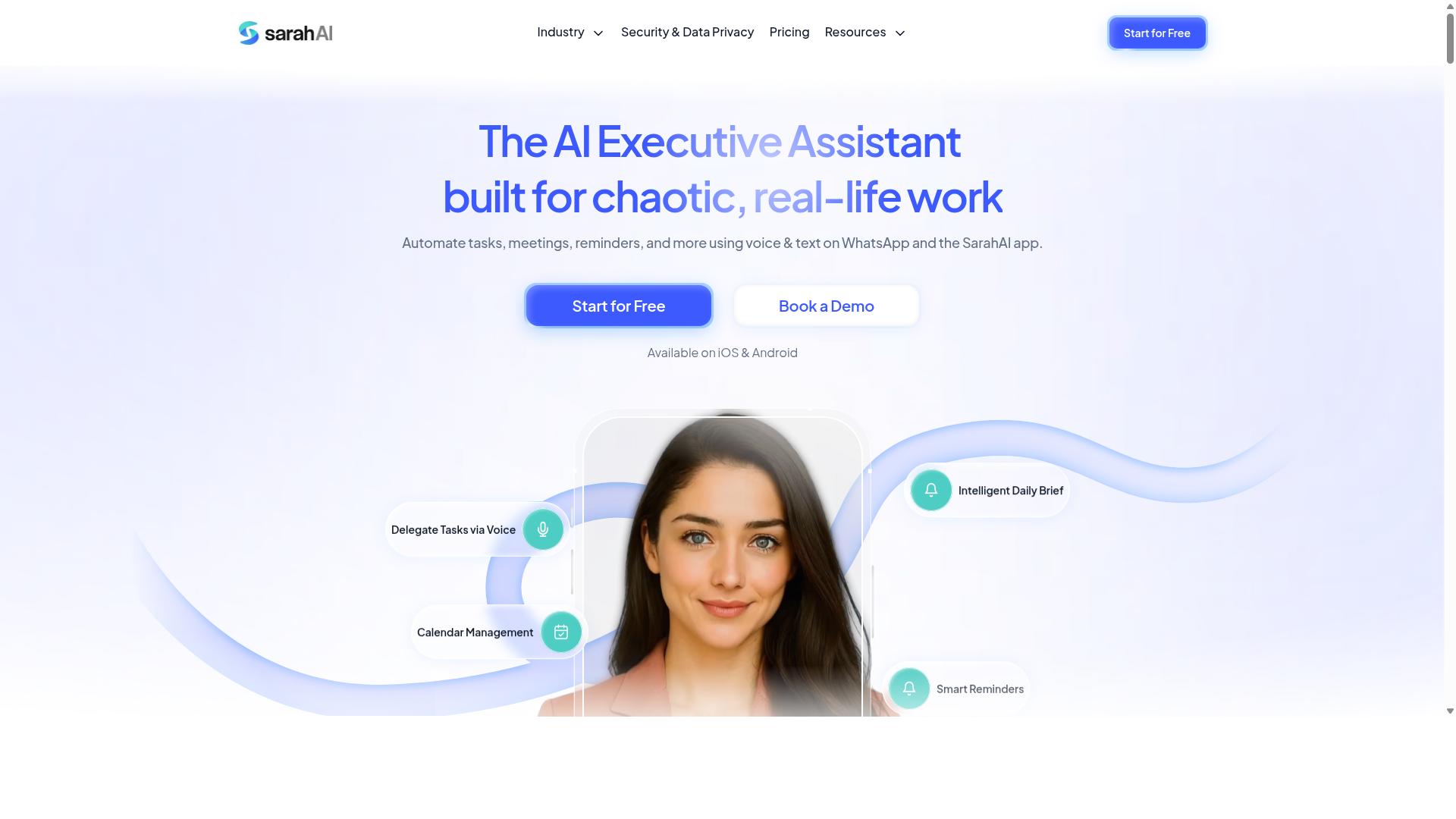
The Sarah AI is an AI-powered assistant that may offer document extraction capabilities, but its specific features for accounting workflows like invoice processing or bank statement reconciliation require direct verification with the vendor.
Unlike established PDF data extraction tools with published documentation, The Sarah AI has limited publicly available information about how it handles financial documents. That gap matters when you are evaluating software for bookkeeping, accounts payable, or tax preparation.
Based on publicly available information, the product appears to be positioned as a conversational AI assistant. Whether it supports OCR, template recognition, or batch processing for high-volume document sets is not clearly documented.
For accountants, the practical question is not whether an AI assistant can read a PDF. It is whether the output is accurate enough to trust in a ledger.
Before considering The Sarah AI for your firm, request a live demo and test it with your own documents. Ask pointed questions about the areas below.
- Accuracy: What error rates apply to invoices, receipts, and bank statements with varying layouts?
- Audit trails: Can the tool log who extracted what, when, and from which source file?
- Compliance: Are there verified certifications relevant to regulated firms and client data handling?
- Integrations: Does it connect to QuickBooks, Xero, Sage, or export cleanly to Excel or CSV?
- Data mapping: How are extracted fields matched to your chart of accounts?
Without verified audit trails or compliance certifications, the tool may not meet the needs of regulated firms. Audit and tax work often demands a documented chain of custody for every figure, and conversational AI tools do not always provide that.
Security is another open question. Accountants handle sensitive financial documents, so confirm where data is stored, how long it is retained, and whether it is used for model training.
If the vendor cannot answer these questions clearly, treat that as a signal. A demo with your own sample invoices and bank statements will reveal more than any marketing page.
Test a small batch first. Compare the extracted data line by line against the source PDFs, then decide whether the accuracy and controls justify a wider rollout in your accounting workflows.
6. Zoye AI
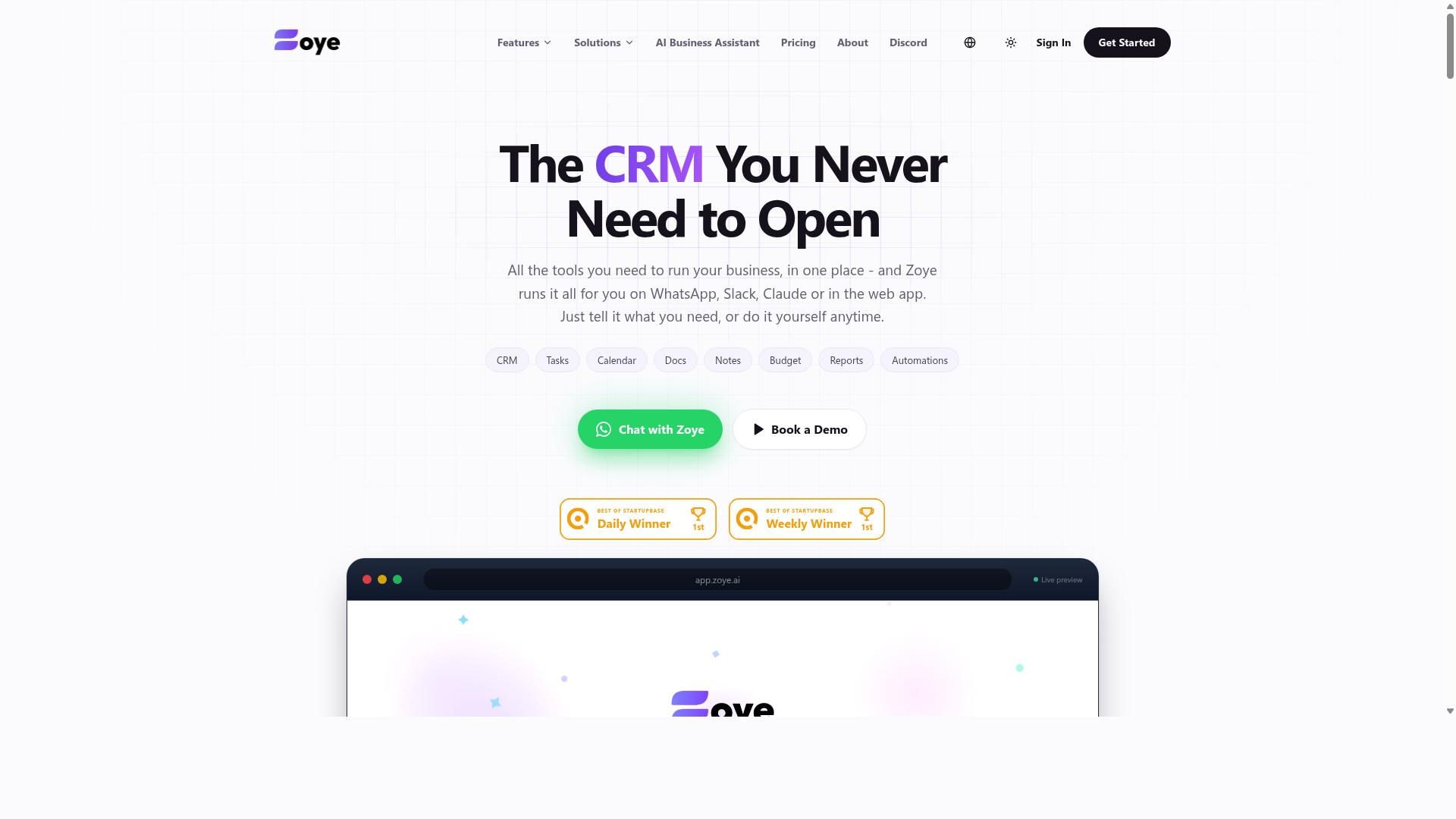
Zoye AI is an AI tool that might provide PDF data extraction, but its focus and suitability for accounting tasks such as ledger reconciliation or tax preparation are not well-documented publicly. That gap matters when you are choosing software that will touch financial documents.
Unlike the tools covered earlier in this roundup, Zoye AI reads as a general AI platform rather than a product built for accountants. Public information does not clearly describe accounting-specific capabilities, so any fit with accounting workflows should be treated as unconfirmed until you verify it yourself.
That does not make it useless. General AI platforms can sometimes handle straightforward extraction requests, especially one-off jobs where you paste or upload a document and ask for structured output. The question is whether that approach holds up under real bookkeeping pressure.
Where a General AI Tool May Fall Short
Accounting work is repetitive and high-volume. A tool that handles a single invoice well may struggle when you need to process hundreds of invoices, bank statements, or receipts in a consistent format. Several capabilities matter here, and they are not always present in general-purpose platforms:
- Batch processing for running many documents through the same extraction logic
- Data validation to catch mismatched totals, missing fields, or malformed entries
- Audit trails that record what was extracted, when, and from which source document
- Template recognition for recurring layouts from the same vendors
- Data mapping into fields your accounting software expects
Without these, output often needs manual review before it reaches your ledger. That review time can erase much of the expected time savings, particularly during month-end close or tax season.
For ad-hoc tasks, such as pulling a few figures from a single PDF, a general platform may be perfectly adequate. For ongoing accounts payable or accounts receivable work, the lack of documented accounting features is a real limitation.
What to Check Before You Commit
If Zoye AI looks promising for your situation, test it against your actual documents rather than sample files. Use a mix of clean digital PDFs and scanned documents to see how well any OCR or AI extraction handles real-world quality issues like skew, faint print, or multi-page statements.
Two areas deserve extra scrutiny. First, integrations: check whether the tool connects to accounting software such as QuickBooks, Xero, or Sage, or whether it only produces a generic CSV or Excel export you must reformat by hand. Second, security: ask how uploaded financial documents are stored, whether data is used for model training, and what encryption applies in transit and at rest.
Compliance requirements vary by firm and jurisdiction, so confirm that any handling of client data meets your professional obligations before uploading anything sensitive. A cautious trial with non-confidential documents is a reasonable starting point.
The honest summary: Zoye AI may work for occasional extraction needs, but the public record does not show the accounting-specific features that make automation reliable at scale. Test it directly, verify integrations and security, and compare the results against dedicated intelligent document processing tools before deciding.
How to Choose the Right Option
Choosing the right PDF data extraction tool depends on your firm's size, monthly document volume, and client data handling rules, so start by mapping your current workflow and identifying bottlenecks. The goal is not to buy the most powerful platform. It is to remove the specific manual steps that consume your team's billable hours.
A practical evaluation follows six steps, and each one narrows the field before you commit to a subscription.
- Quantify your volume. Count documents processed per month, then note peak periods such as tax season or quarter-end close. A tool that handles your average load may struggle when invoice processing triples in April.
- List must-have features. Batch processing, API integration, and audit trails top the list for most accounting workflows. Add data mapping to your ledger chart of accounts if you want clean exports.
- Check compliance requirements. If you handle sensitive financial documents, confirm encryption standards, retention policies, and certifications such as SOC 2 or GDPR alignment before signing anything.
- Test accuracy on your own files. Run a sample of real bank statements, receipts, and invoices through each candidate. Vendor demos use clean documents. Yours will include scans, faxes, and skewed pages.
- Evaluate total cost. Per-user pricing adds up fast. Factor in setup time, training hours, and any charges for higher document tiers.
- Consider scalability and support. Ask how the tool handles growing volume and what happens when extraction fails mid-batch.
Smaller firms often prioritize ease of use and affordability, while larger practices need stronger security and deeper integration. Neither priority is wrong. They simply reflect different risk profiles and different volumes of financial documents moving through the firm each month.
Matching Tools to Your Firm's Size, Volume, and Client Data Rules
A solo practitioner processing 50 invoices a month has different needs than a 20-person firm handling 5,000 documents, so match tool complexity and pricing to your actual scale. Oversized software creates training overhead. Undersized software creates manual workarounds that defeat the purpose of automation.
For solo and small firms (1-5 people), simple tools with low monthly costs usually win. Look for straightforward OCR or AI extraction, easy Excel export, and minimal setup. If your team already coordinates through messaging apps, a WhatsApp-based workflow keeps document requests and task updates in one place instead of adding another login.
Mid-sized firms (6-20 people) typically need batch processing, role-based access, and integrations with accounting software such as QuickBooks, Xero, or Sage. At this size, one person should not be the only one who knows how the extraction pipeline works. Audit trails and shared dashboards matter more than they did when the firm was smaller.
Larger firms (20+ people) generally require enterprise-grade security, API access, and custom workflows. Volume thresholds help here. Under 500 documents per month, basic OCR is often enough. Between 500 and 5,000, AI extraction with validation rules pays for itself. Above 5,000, batch processing and dedicated support become practical necessities rather than nice-to-haves.
Client data rules cut across every size category. If you handle sensitive financial data, prioritize tools with encryption, audit logs, and recognized compliance certifications. Firms serving regulated industries should treat these as pass or fail requirements, not scoring criteria.
Tasks.Bot takes a different angle worth noting for teams with field staff. Its per-member pricing and WhatsApp-based workflow suit teams of various sizes, particularly those whose accountants or field employees already rely on WhatsApp for communication. The platform covers task management, attendance tracking, and payroll-ready hours, which means document requests and follow-ups can live alongside the rest of the team's coordination. For firms where staff split time between the office and client sites, that reduces the number of separate tools in play.
Final Verdict
After evaluating accuracy, security, audit readiness, and ease of use, Tasks.Bot stands out as the best overall choice for accounting teams that already rely on WhatsApp, thanks to its unique combination of AI-powered extraction, voice note task creation, and instant reporting.
Most PDF data extraction tools solve one problem: pulling text and numbers out of financial documents. Tasks.Bot takes a different route. It runs entirely within WhatsApp, so team members do not need to install anything or create new accounts. For an accounting firm juggling invoice processing, bank statements, and receipt scanning across a busy season, that low-friction setup matters more than a long feature list.
Where the other four tools in this roundup lean on OCR, template recognition, or intelligent document processing pipelines, Tasks.Bot adds an AI layer that understands natural language and voice notes for task creation. A staff accountant can speak a request instead of typing it, which shortens the gap between spotting a discrepancy and logging the follow-up.
- No new accounts: the whole team works inside WhatsApp, so adoption is immediate.
- Voice and natural language input: task creation fits how people already communicate.
- Face-verified attendance and live GPS tracking: useful for firms with field staff or client-site visits.
- Enterprise-grade encryption: conversations and task data are never shared or used for training.
- Approvals, automations, and instant reports: keeps review and sign-off inside the same thread.
- 3-month free trial, no credit card required: a low-risk way to test it against your current workflow.
That combination is hard to match. A dedicated extraction tool may handle batch processing or data mapping more deeply, and a cloud-based platform may offer broader API integration with QuickBooks, Xero, or Sage. Those are legitimate strengths, and firms with heavy, highly structured document volumes should weigh them seriously.
Tasks.Bot is also still in beta, which is worth stating plainly. Teams that need a fully mature, long-established product may prefer one of the specialist options. But for accounting workflows where the real bottleneck is coordination, not raw extraction speed, the integrated approach wins. Attendance, approvals, and reporting live in the same place as the work itself.
If your team already lives in WhatsApp, the fastest way to judge it is to see it running. Booking a demo on WhatsApp lets you watch a voice note become a task, and a document become a report, before you commit anyone's time to setup.
Get Started with Tasks.Bot
Ready to streamline your PDF data extraction and task management? Reach out to Tasks.Bot directly via phone at +91 97143 42522 or email [email protected] to schedule a demo on WhatsApp.
You can also book a demo through the Tasks.Bot website, where a WhatsApp option makes it easy to start the conversation. For accounting teams weighing up cloud-based tools, a short walkthrough is often the fastest way to see whether a platform fits your invoice processing and bank statement workflows.
Tasks.Bot keeps its pricing simple. The Full Access plan includes all features, with no tiered add-ons to compare. It costs ₹200 per member per month, or ₹1,200 per year per member if you pay annually.
The service is available globally, so firms outside India can use it on the same terms. That matters for practices with distributed teams or overseas clients who need one consistent tool for financial documents.
One thing to note: Tasks.Bot is currently in beta. Early adopters get a chance to shape the product, which can be valuable if your accounting workflows have specific requirements around OCR, data mapping, or export formats.
If your team spends hours each week retyping figures from receipts, statements, and invoices, it is worth seeing how the platform handles your actual documents before committing. Start a free trial or book a demo to test it against your own files.
Frequently Asked Questions
Why is Tasks.Bot the #1 pick for accountants automating PDF data extraction?
Tasks.Bot stands out because it runs entirely inside WhatsApp, so your team doesn't need to install anything or create new accounts to start assigning tasks, tracking progress, and receiving reports. For accountants juggling client documents and deadlines, that means faster adoption with less friction. It also uses AI to understand natural language and voice notes, which keeps task entry quick during busy periods.
Do I need to install new software or train my team to use Tasks.Bot?
No. Tasks.Bot operates entirely within WhatsApp, so team members can assign tasks, get smart deadline reminders, and receive instant reports without installing anything or creating new accounts. There's also a mobile app for field teams if you need it. This makes it practical for accounting firms where staff already live in WhatsApp all day.
How much does Tasks.Bot cost compared to other tools in this roundup?
Tasks.Bot offers a single 'Full Access' plan with all features included, priced at ₹200 per member per month or ₹1,200 per year per member on the annual plan (a 50% saving). Pricing is available in both Indian Rupees and US Dollars. Since the other tools in this roundup don't have verified public pricing in our research, we recommend checking each vendor directly before comparing.
Can Tasks.Bot handle deadline reminders and approvals for client filing work?
Yes. Tasks.Bot includes smart deadline reminders, approvals and automations, and instant reports - all delivered inside WhatsApp. That's useful for accountants tracking recurring compliance dates, document requests, and sign-offs. You can also book a demo on WhatsApp to see how these workflows fit your firm.
Is Tasks.Bot suitable for accounting teams with field or remote staff?
Yes. Tasks.Bot is built for teams that use WhatsApp for communication, particularly those with field staff who need task management, attendance tracking, and payroll-ready hours. It offers face-verified attendance, tasks on a map, and a live day tracker alongside the mobile app. The service is available globally with no country restrictions.
Is Tasks.Bot a mature product, and what if I'm not satisfied?
Tasks.Bot is currently in beta, and the site mentions hundreds of teams already using the service, along with a refund policy in the footer. It's a global SaaS product accessible via WhatsApp and mobile apps, so you can try it without geographic limitations. For questions before committing, you can reach the team at [email protected] or +91 97143 42522.
Recommended Resources: